top of page

Luis Zeno Jr
Mid Evil Nights
After a few weeks with Battle Ball, I switched to a new project call Mid Evil Nights, an open world RPG game that have players venture through the world, crafting, hunting, and adventuring. While the first project I was involved in have me shift my knowledge of Unreal to a version down, this project utilizes a C++ programming instead of blueprints. While I have been encourage to use blueprints to showcase what I can provide, most of the work needs to be translated in a form of programming I have little knowledge in and a project that requires meticulous steps to avoid the project from being corrupted.

Although I lack the knowledge of doing C++ programming, I took a challenge in doing animation instead. So I put my efforts in making sure the animation work with the creatures of the game, in particular the doe, stag, and goblin.
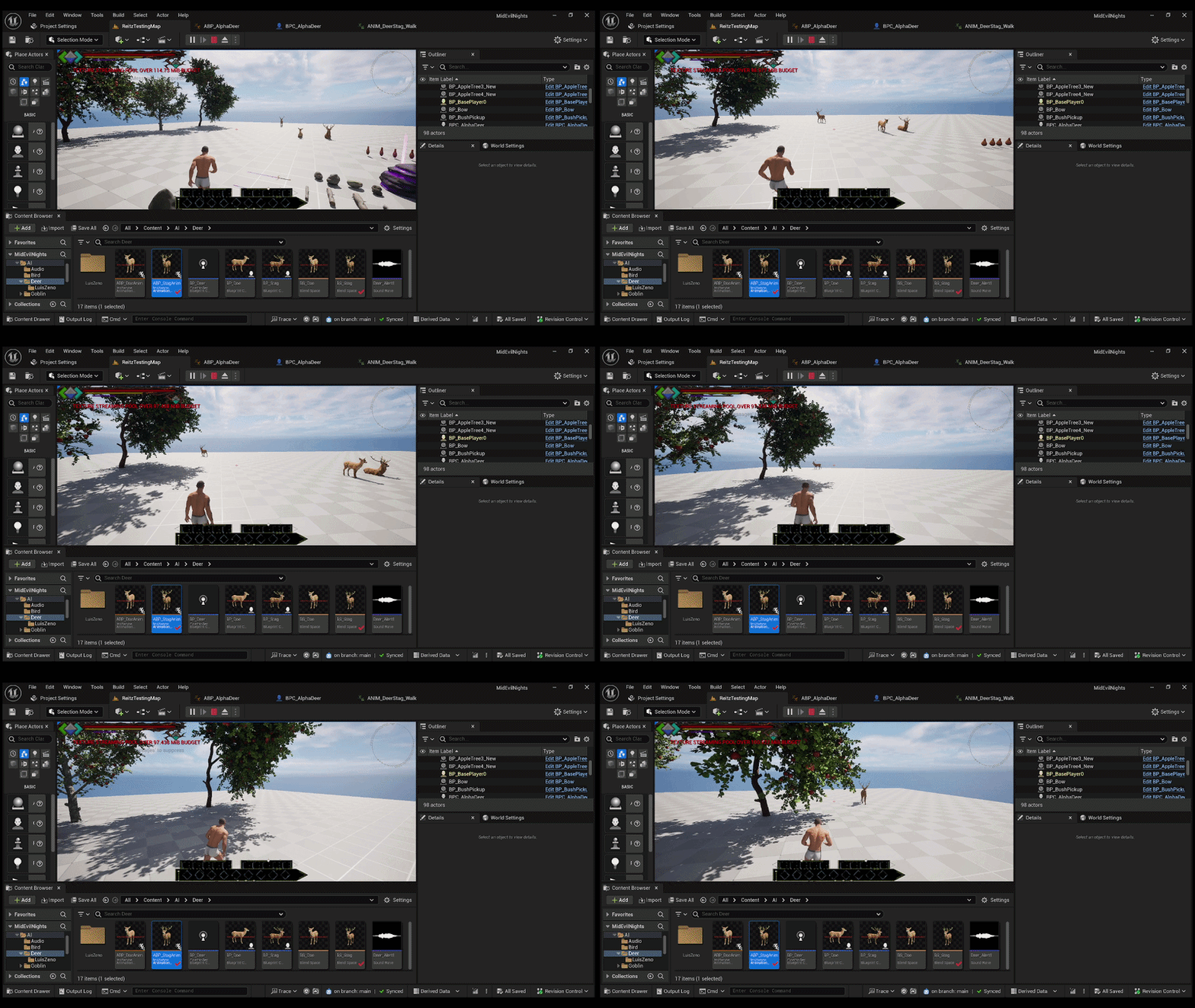
I began looking for references in doing animation with characters for NPC characters. It was a good refresher with animation, as it has been a year since I have worked on animation blueprinting, but for the player instead. I have manage to get the stag and doe properly interact in the world, however, there were certain programming I may not know of during the designing and animation. It was a good effort, however, I was going in slightly blind.
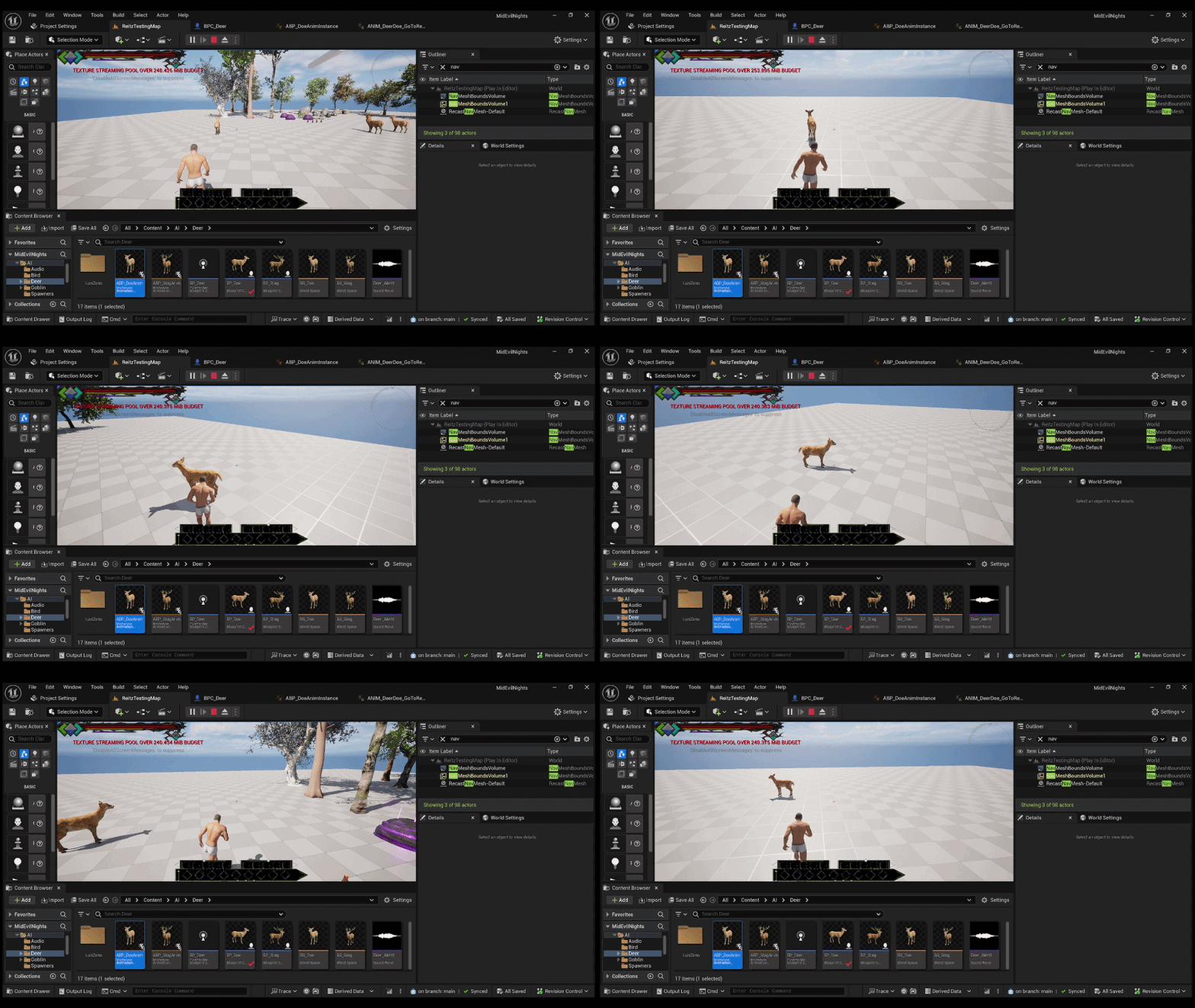
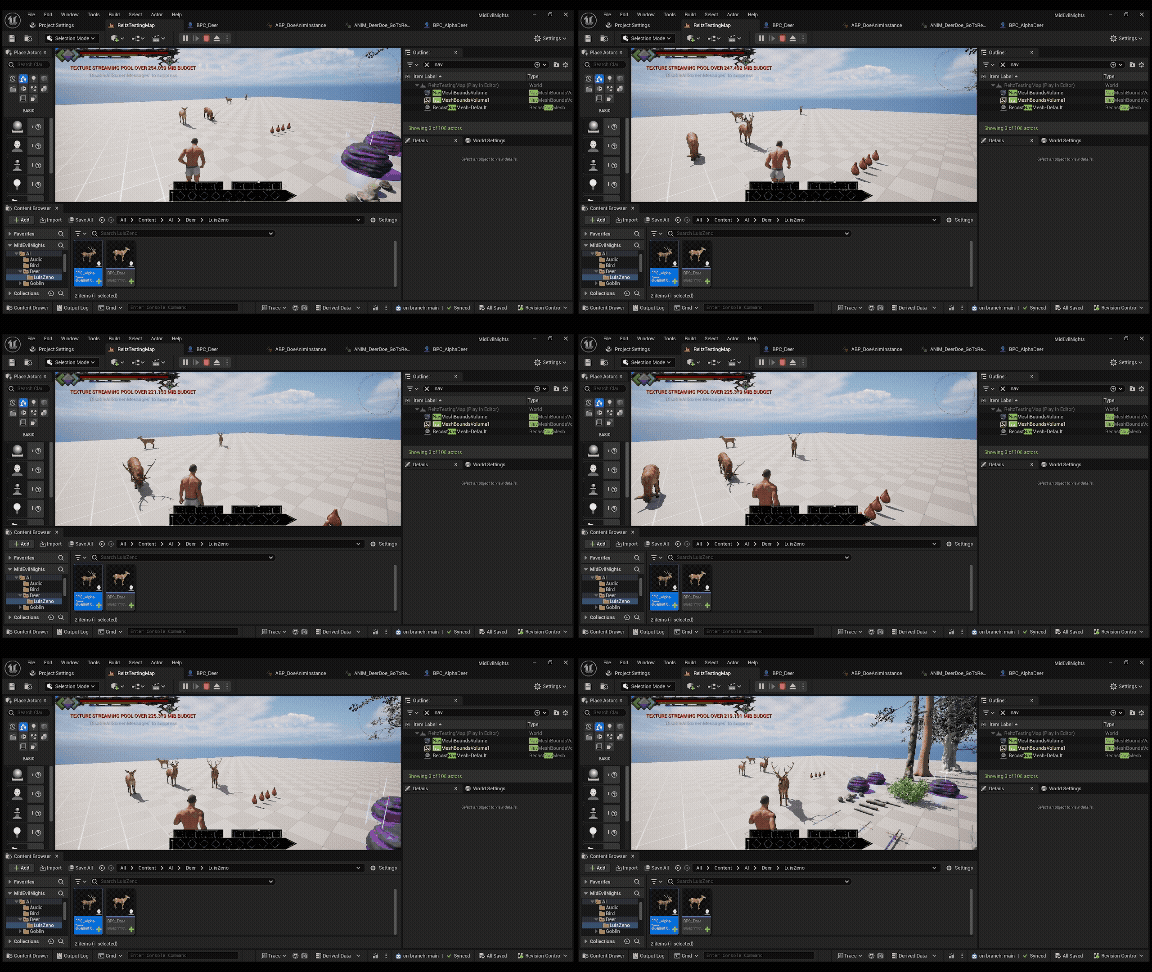
One of the biggest task comes from the goblin's animation. The Goblin character has prerender animation, a skeletal mesh that isn't strongly set, and many trail and errors that forced me to think and work outside of the box. I first attempt to get the animation to function properly through Mixamo, a website that takes 3D characters and rig their body to perform animated actions. Many of the trail and errors come from animating the goblin character as the bone structure on the character is inaccurate, most notable the chin bone to the chest bone. Although the animation worked, the visual look of it did not with the Goblin's face looked stretched down or the chest proportion stretched out.
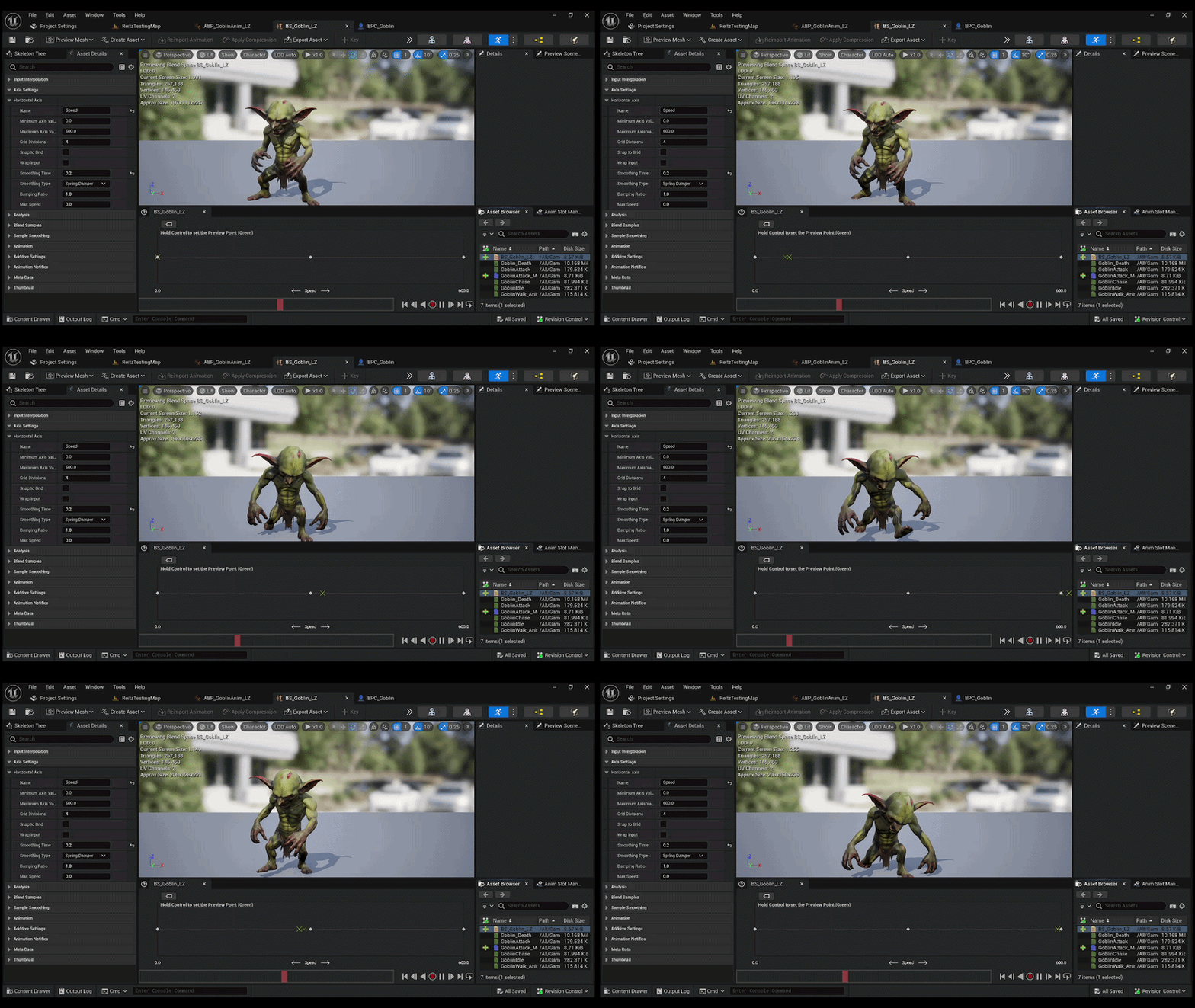
I have gone as far as using a 3D design program Blender in an effort to create a skeletal bone tree for the Goblin. I barely used the program, only used it in the past to create a weapon or a map in rapid necessity. It was the first time I journey into create a bone structure for a character, especially for one that already have a bone structure but needed to adjust to fit the animation. For the most part, I manage to get a couple of animations going for the Goblin character, a base movement, attack, and death animation, another set of animation with a Goblin holding an axe, and another set of animation with one holding a sword and shield, only with this one I added in a shield blocking animation to fit the character.
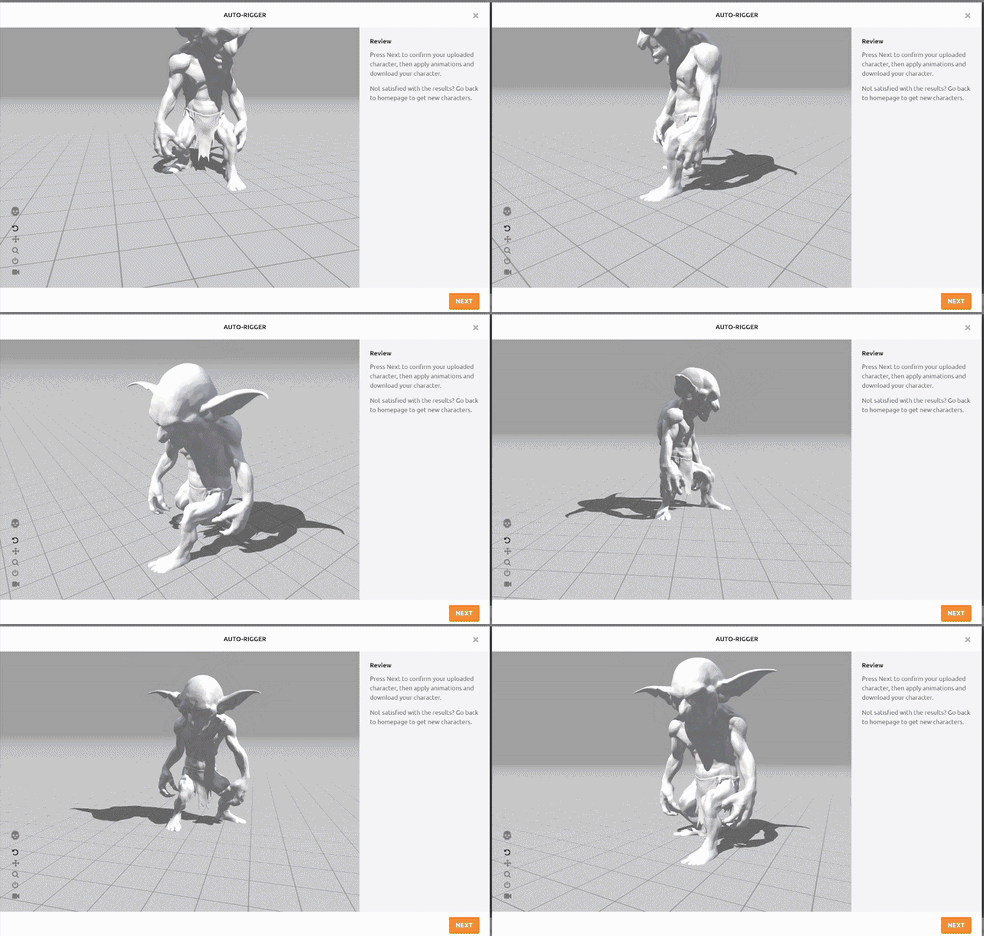
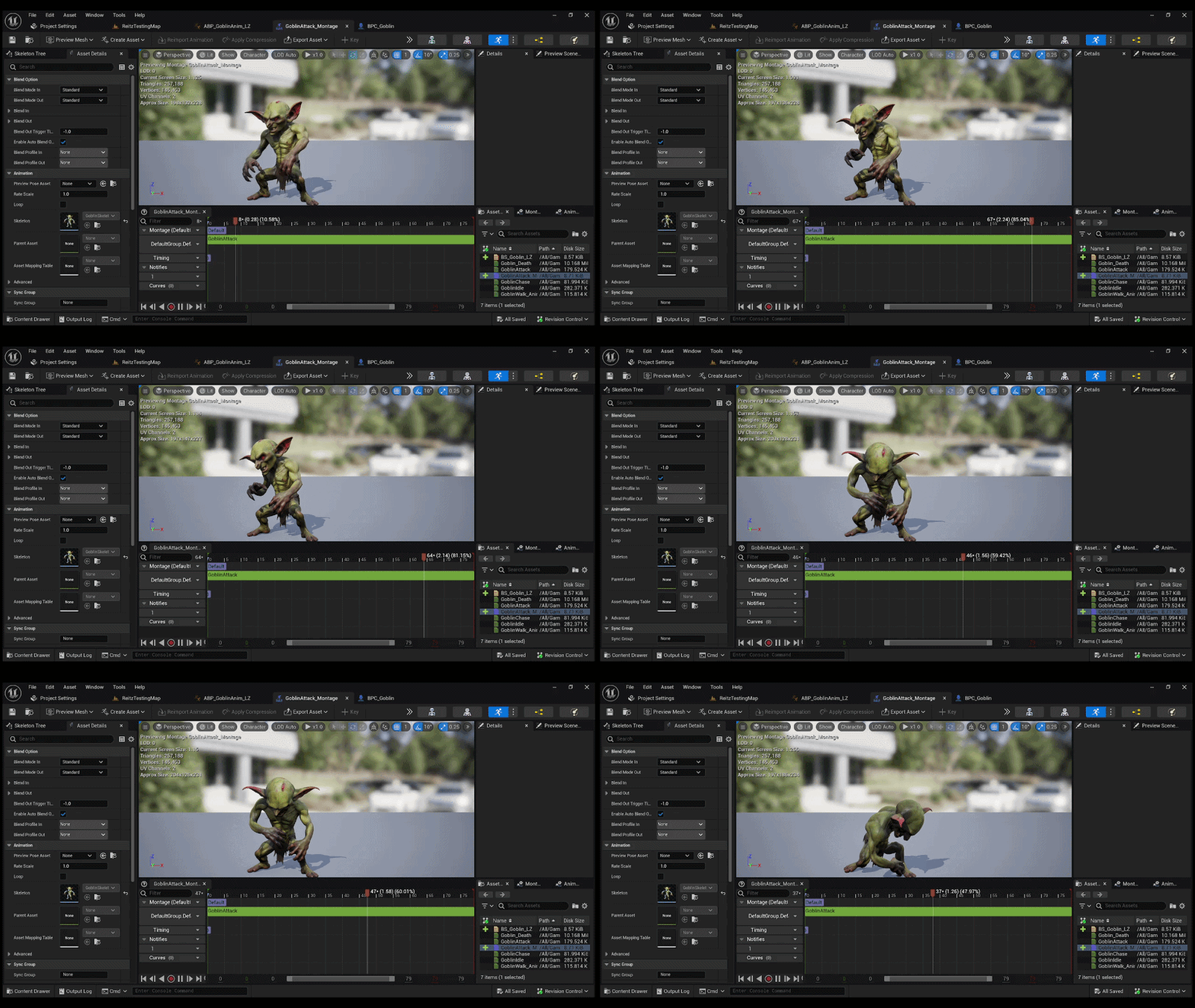
While my interest in game designing is mostly around programming and coding, I did had an interesting drive to make sure the character animation would work and it would fit into the game. Looking back at it today, I never thought I would go as far as using a 3D software program to work on the bone structure, feeling that programs like Blender and Maya were more fitted for those who are into character design and animation. I have attempted to do animation by scratch from Unreal itself and attempt to find as much references as possible, but the skeletal mesh and other designs on the character didn't match to what I was looking on from the reference itself. Still, I had a good time learning about animating for NPC characters and wouldn't mind taking another crack at it for other characters in the future.
bottom of page